// screens-onboarding.jsx — Splash + 3 onboarding steps + sign-in + OTP
// Uses shared: Icon, Device, TopBar, Btn, Field, BackButton

function SplashScreen({ dark = false }) {
  return (
    <Device statusOn="light" dark={dark}>
      <div style={{
        position: "absolute", inset: 0,
        background: "var(--bg-canvas)",
        display: "flex", flexDirection: "column"
      }}>
        {/* Brand wordmark — centered at the top */}

        <div style={{
          position: "absolute", top: 96, left: 0, right: 0,
          display: "flex", justifyContent: "center",
          zIndex: 3
        }}>
          <img
            src="assets/logo-mark.webp"
            alt="mobiliteit.lu"
            style={{ display: "block", padding: "0px", width: "6px", height: "60px", margin: "-70px 0px 0px", opacity: 0 }} />
        </div>

        {/* Tagline — same display face as onboarding titles */}
        <div style={{
          position: "absolute", top: 160, left: 0, right: 0,
          textAlign: "center", zIndex: 3, padding: "0 24px", margin: "-50px 0px 0px"
        }}>
          <h2 className="display-xl" style={{ margin: 0 }}>
            We're going<br />on a trip.
          </h2>
          <p style={{ font: "var(--t-body)", fontSize: 15, color: "var(--fg-2)", marginTop: 12 }}>
            Are you in?
          </p>
        </div>

        {/* Green base — continues the illustration's ground colour below it */}
        <div style={{
          position: "absolute", left: 0, right: 0, bottom: 0,
          height: 64, background: "#879B5F", zIndex: 1
        }} />

        {/* Illustration — train on bridge, sits in the lower portion */}
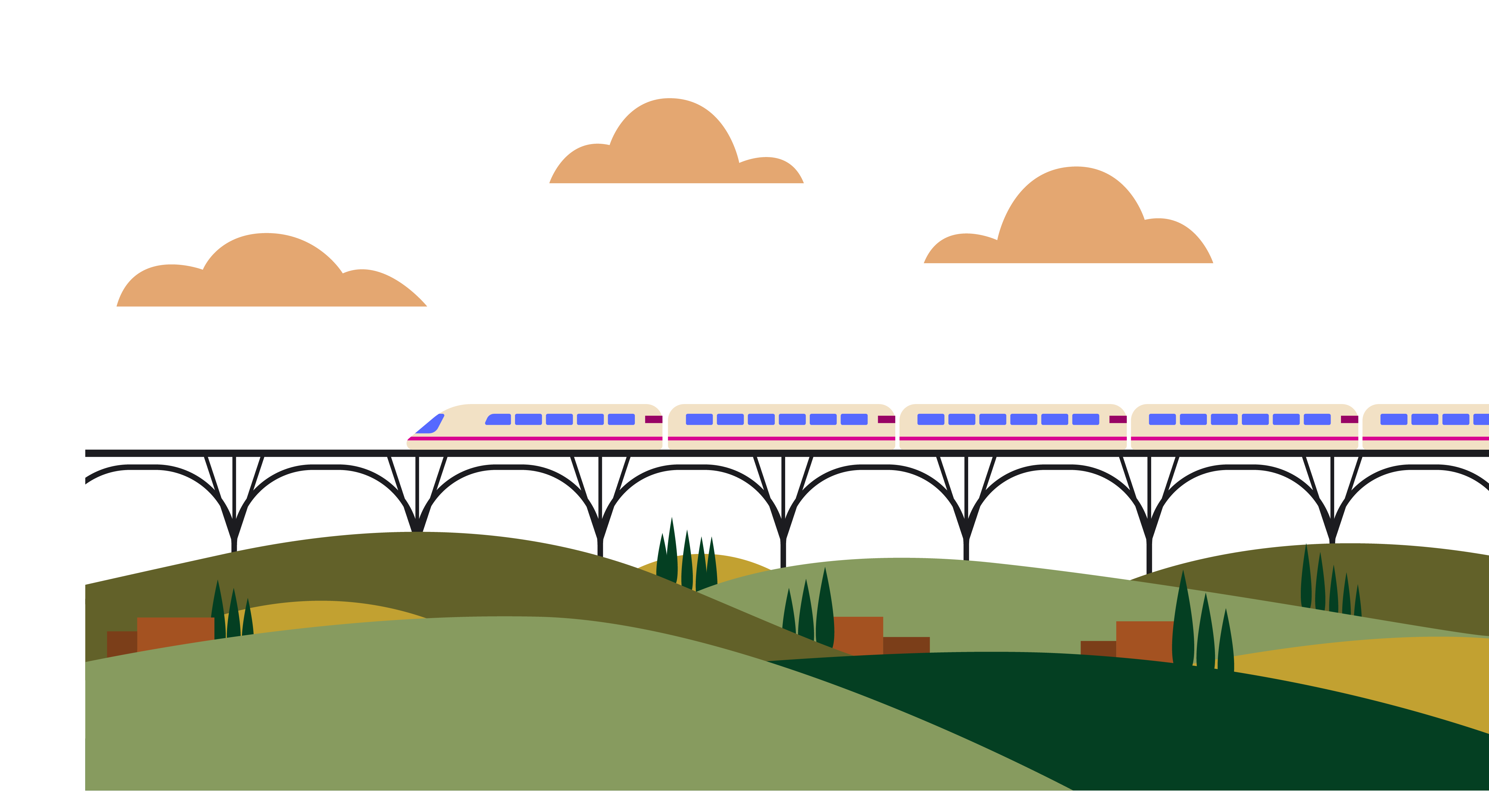
        <div style={{
          position: "absolute", left: 0, right: 0, bottom: 0, zIndex: 2,
          display: "flex", alignItems: "flex-end", justifyContent: "center"
        }}>
          <img
            src="assets/illust-splash-train-bridge.png"
            alt=""
            style={{
              display: "block",
              objectPosition: "bottom center", objectFit: "cover", width: "590px", height: "530px", margin: "0px 0px 4px", padding: "0px 0px 46px 90px"
            }} />
          
        </div>

        {/* Footer line */}
        <div style={{
          position: "absolute", bottom: 36, left: 0, right: 0,
          textAlign: "center",

          letterSpacing: "0.08em", textTransform: "uppercase",
          zIndex: 2, color: "rgb(255, 255, 255)", fontWeight: "800", fontSize: "12px", padding: "0px", margin: "20px 0px 0px"
        }}>
          A service by Grand-Duché de Luxembourg
        </div>
      </div>
    </Device>);

}

function OnboardingScreen({ step = 1, dark = false }) {
  const slides = [
  {
    eyebrow: "01 · Live Departures",
    titleA: "Always",
    titleB: "on time.",
    body: "Live departures across CFL, RGTR, AVL and Luxtram — synced every 30 seconds.",
    art: "reliable"
  },
  {
    eyebrow: "02 · Navigation",
    titleA: "Find your",
    titleB: "way.",
    body: "Your route stays in view while you walk, change platform or wait for the next tram.",
    art: "navigate"
  },
  {
    eyebrow: "03 · Updated Alerts",
    titleA: "Stay ahead",
    titleB: "of delays.",
    body: "Roadworks, missed connections and night reroutes appear before they slow you down.",
    art: "alerts"
  }];

  const s = slides[step - 1];
  return (
    <Device dark={dark}>
      {/* Skip */}
      <div style={{ position: "absolute", top: 14, right: 16, zIndex: 10 }}>
        <button className="btn btn--ghost btn--sm">Skip</button>
      </div>
      <div style={{ flex: 1, display: "flex", flexDirection: "column", padding: "4px 24px 28px" }}>
        {/* One tactile object — hero */}
        <div style={{ flex: 1, display: "flex", alignItems: "center", justifyContent: "center", minHeight: 280 }}>
          <OnboardingArt kind={s.art} />
        </div>

        {/* Editorial type block */}
        <div style={{ display: "flex", alignItems: "center", gap: 10, marginBottom: 10 }}>
          <span style={{ font: "var(--t-micro)", fontSize: 11, textTransform: "uppercase", letterSpacing: "0.12em", color: "var(--ac-secondary)", fontWeight: 700 }}>
            {s.eyebrow}
          </span>
          <span style={{ flex: 1, height: 1, background: "var(--bd-subtle)" }} />
          <span className="dots">
            {[1, 2, 3].map((i) => <span key={i} className={i === step ? "on" : ""} />)}
          </span>
        </div>

        <h2 className="display-xl" style={{ marginTop: 4 }}>
          {s.titleA}<br />{s.titleB}
        </h2>
        <p style={{ font: "var(--t-body)", fontSize: 15, color: "var(--fg-2)", marginTop: 12, lineHeight: 1.5, textWrap: "pretty", maxWidth: 320 }}>
          {s.body}
        </p>
        <div style={{ height: 22 }} />
        <div style={{ display: "flex", gap: 10 }}>
          {step > 1 &&
          <Btn variant="tonal" size="lg" icon="arrow-left" style={{ width: 60, padding: 0 }}>
              <span style={{ display: "none" }} />
            </Btn>
          }
          <Btn variant="filled" size="lg" full trailing="arrow-right">
            {step === 3 ? "Get started" : "Next"}
          </Btn>
        </div>
      </div>
    </Device>);

}

function OnboardingArt({ kind }) {
  const map = {
    reliable: { src: "assets/illust-onb-1-interior.png", alt: "Passengers inside a train" },
    navigate: { src: "assets/illust-onb-2-platform.png", alt: "Traveller on a train platform" },
    alerts: { src: "assets/illust-onb-3-train-hills.png", alt: "Train passing through hills" }
  };
  const m = map[kind] || map.reliable;
  return (
    <div className="onb-art">
      <img src={m.src} alt={m.alt} />
    </div>);

}

// ─────────────────────────────────────────────────────────────
// Auth — shared building blocks (brand mark, labelled field, social)
// ─────────────────────────────────────────────────────────────
const authLink = { color: "var(--ac-secondary)", textDecoration: "none", fontWeight: 600 };
const authLabel = { display: "block", fontSize: 11, fontWeight: 700, letterSpacing: "0.06em", textTransform: "uppercase", color: "var(--fg-3)" };

function AuthMark({ size = 46 }) {
  return (
    <div style={{ display: "flex", justifyContent: "center" }}>
      <img src="assets/logo-mark.webp" alt="Mobiliteit" style={{ width: size, height: "auto", display: "block" }} />
    </div>);

}

function AuthField({ label, icon, value, placeholder, trailing, action, mono, focus }) {
  return (
    <div>
      <div style={{ display: "flex", alignItems: "baseline", justifyContent: "space-between", marginBottom: 8, minHeight: 14 }}>
        <span style={authLabel}>{label}</span>
        {action}
      </div>
      <div
        className="field"
        style={{
          height: 58,
          ...(focus ? { background: "var(--bg-elevated)", boxShadow: "inset 0 0 0 1.5px var(--ac-secondary)" } : null)
        }}>
        {icon &&
        <span className="field__icon" style={focus ? { color: "var(--ac-secondary)" } : null}>
            <Icon name={icon} size={20} />
          </span>}
        {value != null ?
        <span className={"field__value" + (mono ? " mono" : "")} style={mono ? { letterSpacing: "0.28em", fontWeight: 600 } : { fontWeight: 500 }}>{value}</span> :
        <span className="field__placeholder">{placeholder}</span>}
        {trailing && <span className="field__trailing">{trailing}</span>}
      </div>
    </div>);

}

function GoogleG() {
  return (
    <svg width="20" height="20" viewBox="0 0 48 48" aria-hidden="true" style={{ display: "block", flexShrink: 0 }}>
      <path fill="#EA4335" d="M24 9.5c3.54 0 6.71 1.22 9.21 3.6l6.85-6.85C35.9 2.38 30.47 0 24 0 14.62 0 6.51 5.38 2.56 13.22l7.98 6.19C12.43 13.72 17.74 9.5 24 9.5z" />
      <path fill="#4285F4" d="M46.98 24.55c0-1.57-.15-3.09-.38-4.55H24v9.02h12.94c-.58 2.96-2.26 5.48-4.78 7.18l7.73 6c4.51-4.18 7.09-10.36 7.09-17.65z" />
      <path fill="#FBBC05" d="M10.53 28.59c-.48-1.45-.76-2.99-.76-4.59s.27-3.14.76-4.59l-7.98-6.19C.92 16.46 0 20.12 0 24c0 3.88.92 7.54 2.56 10.78l7.97-6.19z" />
      <path fill="#34A853" d="M24 48c6.48 0 11.93-2.13 15.89-5.81l-7.73-6c-2.15 1.45-4.92 2.3-8.16 2.3-6.26 0-11.57-4.22-13.47-9.91l-7.98 6.19C6.51 42.62 14.62 48 24 48z" />
    </svg>);

}

function SocialButton({ provider }) {
  const isGoogle = provider === "google";
  return (
    <button className="btn btn--outline btn--full" style={{ height: 54, gap: 12, justifyContent: "center", fontWeight: 600, fontSize: 15 }}>
      {isGoogle ? <Icon name="link" size={20} /> : <Icon name="apple-logo" weight="fill" size={20} />}
      {isGoogle ? "Continue with a secure link" : "Continue with Apple"}
    </button>);

}

function OrDivider({ label = "or" }) {
  return (
    <div style={{ display: "flex", alignItems: "center", gap: 14, margin: "18px 0" }}>
      <span style={{ flex: 1, height: 1, background: "var(--bd-subtle)" }} />
      <span style={{ fontSize: 13, color: "var(--fg-3)", fontWeight: 600 }}>{label}</span>
      <span style={{ flex: 1, height: 1, background: "var(--bd-subtle)" }} />
    </div>);

}

function GuestButton({ children = "Continue as guest" }) {
  return (
    <button className="btn btn--ghost btn--full" style={{ height: 52, gap: 8, color: "var(--fg-2)", fontWeight: 600 }}>
      {children}
    </button>);

}

// ─────────────────────────────────────────────────────────────
// Log in (existing user)
// ─────────────────────────────────────────────────────────────
function LogInScreen({ dark = false }) {
  return (
    <Device dark={dark}>
      <TopBar leading={<BackButton />} />

      <div style={{ padding: "2px 24px 22px", flex: 1, display: "flex", flexDirection: "column" }}>
        <div style={{ height: 6 }} />
        <AuthMark />
        <div style={{ height: 18 }} />
        <h2 className="display-l" style={{ textAlign: "center" }}>Welcome back</h2>
        <p style={{ color: "var(--fg-2)", marginTop: 8, fontSize: 15, textAlign: "center", textWrap: "pretty", maxWidth: 300, marginInline: "auto" }}>
          Log in to sync your saved journeys across all your devices.
        </p>

        <div style={{ height: 24 }} />
        <AuthField label="Email" icon="envelope" value="tiago.rodrigues@example.lu" focus />
        <div style={{ height: 16 }} />
        <AuthField
          label="Password"
          icon="lock-key"
          value="••••••••"
          mono
          trailing={<Icon name="eye-slash" size={20} />}
          action={<a style={{ ...authLink, fontSize: 13 }}>Forgot password?</a>} />

        <div style={{ height: 22 }} />
        <Btn size="lg" full>Log in</Btn>

        <OrDivider />
        <SocialButton provider="google" />

        <div style={{ flex: 1, minHeight: 14, height: "6px" }} />
        <GuestButton />
        <div style={{ height: 10 }} />
        <div style={{ fontSize: 13, color: "var(--fg-3)", textAlign: "center" }}>
          New to Mobiliteit? <a style={authLink}>Create an account</a>
        </div>
      </div>
    </Device>);

}

// ─────────────────────────────────────────────────────────────
// Sign up (new account)
// ─────────────────────────────────────────────────────────────
function SignUpScreen({ dark = false }) {
  return (
    <Device dark={dark}>
      <TopBar leading={<BackButton />} />

      <div style={{ padding: "2px 24px 20px", flex: 1, display: "flex", flexDirection: "column" }}>
        <div style={{ height: 4 }} />
        <AuthMark />
        <div style={{ height: 16 }} />
        <h2 className="display-l" style={{ textAlign: "center" }}>Create your account</h2>
        <p style={{ color: "var(--fg-2)", marginTop: 8, fontSize: 15, textAlign: "center", textWrap: "pretty", maxWidth: 300, marginInline: "auto" }}>
          Save your home, work and favourite trips — synced everywhere.
        </p>

        <div style={{ height: 22 }} />
        <AuthField label="Name" icon="user" value="Tiago Rodrigues" />
        <div style={{ height: 14 }} />
        <AuthField
          label="Email"
          icon="envelope"
          value="tiago.rodrigues@example.lu"
          trailing={<span style={{ color: "var(--st-success-fg)" }}><Icon name="check-circle" weight="fill" size={20} /></span>} />
        <div style={{ height: 14 }} />
        <AuthField label="Password" icon="lock-key" value="••••••••••" mono trailing={<Icon name="eye" size={20} />} />

        <div style={{ display: "flex", alignItems: "center", gap: 8, marginTop: 8 }}>
          <div style={{ flex: 1, height: 4, borderRadius: 2, background: "var(--bd-subtle)", overflow: "hidden", display: "flex", gap: 3 }}>
            <span style={{ flex: 1, background: "var(--st-success-fg)", borderRadius: 2 }} />
            <span style={{ flex: 1, background: "var(--st-success-fg)", borderRadius: 2 }} />
            <span style={{ flex: 1, background: "var(--st-success-fg)", borderRadius: 2 }} />
            <span style={{ flex: 1, background: "var(--bd-subtle)", borderRadius: 2 }} />
          </div>
          <span style={{ fontSize: 12, color: "var(--st-success-fg)", fontWeight: 600 }}>Strong</span>
        </div>

        <div style={{ height: 16 }} />
        <div style={{ display: "flex", alignItems: "flex-start", gap: 10 }}>
          <span style={{
            borderRadius: 7,
            background: "var(--ac-secondary)", color: "#fff",
            display: "inline-flex", alignItems: "center", justifyContent: "center", flexShrink: 0, marginTop: 1, height: "16px", width: "16px"
          }}>
            <Icon name="check" weight="bold" size={13} />
          </span>
          <div style={{ fontSize: 13, color: "var(--fg-2)", lineHeight: 1.5 }}>
            I accept the <a style={authLink}>Terms of use</a> and{" "}
            <a style={authLink}>Privacy notice</a>.
          </div>
        </div>

        <div style={{ flex: 1, minHeight: 12, height: "22px" }} />
        <Btn brand size="lg" full>Create account</Btn>
        <div style={{ height: 10 }} />
        <GuestButton />
        <div style={{ height: 10 }} />
        <div style={{ fontSize: 13, color: "var(--fg-3)", textAlign: "center" }}>
          Already have an account? <a style={authLink}>Log in</a>
        </div>
      </div>
    </Device>);

}

// ─────────────────────────────────────────────────────────────
// Forgot password (request reset link)
// ─────────────────────────────────────────────────────────────
function ForgotPasswordScreen({ dark = false }) {
  return (
    <Device dark={dark}>
      <TopBar leading={<BackButton />} title="Reset password" center />

      <div style={{ padding: "8px 24px 24px", flex: 1, display: "flex", flexDirection: "column" }}>
        <div style={{ height: 10 }} />
        <div style={{ display: "flex", justifyContent: "center" }}>
          <span style={{ width: 72, height: 72, borderRadius: 24, background: "var(--ac-secondary-soft)", color: "var(--ac-secondary)", display: "inline-flex", alignItems: "center", justifyContent: "center" }}>
            <Icon name="lock-key-open" size={32} />
          </span>
        </div>
        <div style={{ height: 22 }} />
        <h2 className="display-l" style={{ textAlign: "center" }}>Forgot your password?</h2>
        <p style={{ color: "var(--fg-2)", marginTop: 8, fontSize: 15, textAlign: "center", textWrap: "pretty", maxWidth: 312, marginInline: "auto" }}>
          Enter the email linked to your account and we'll send you a secure reset link.
        </p>

        <div style={{ height: 28 }} />
        <AuthField label="Email" icon="envelope" value="tiago.rodrigues@example.lu" focus />

        <div style={{ height: 14 }} />
        <div className="card card--info" style={{ display: "flex", gap: 10, padding: 14, alignItems: "flex-start", borderRadius: 16 }}>
          <Icon name="info" size={18} style={{ color: "var(--ac-secondary)", flexShrink: 0, marginTop: 1 }} />
          <span style={{ fontSize: 13, color: "var(--fg-2)", lineHeight: 1.5 }}>
            The link expires in 30 minutes. Remember to check your spam folder.
          </span>
        </div>

        <div style={{ height: 22 }} />
        <Btn size="lg" full>Send reset link</Btn>

        <div style={{ flex: 1, minHeight: 16 }} />
        <div style={{ fontSize: 13, color: "var(--fg-3)", textAlign: "center" }}>
          Remembered it? <a style={authLink}>Back to log in</a>
        </div>
      </div>
    </Device>);

}

// ─────────────────────────────────────────────────────────────
// Verification (OTP + numeric keypad)
// ─────────────────────────────────────────────────────────────
function VerificationScreen({ filled = ["4", "8", "1", ""], active = 3, dark = false }) {
  const complete = filled.filter(Boolean).length === 6;
  return (
    <Device dark={dark}>
      <TopBar leading={<BackButton />} title="Verification" center />

      <div style={{ padding: "8px 24px 0", display: "flex", flexDirection: "column", flex: 1 }}>
        <div style={{ display: "flex", justifyContent: "center", padding: "12px 0px 0px" }}>
          <span style={{ height: 64, borderRadius: 22, background: "var(--ac-secondary-soft)", color: "var(--ac-secondary)", display: "inline-flex", alignItems: "center", justifyContent: "center", width: "72px" }}>
            <Icon name="envelope-simple" size={30} />
          </span>
        </div>
        <div style={{ height: 16 }} />
        <h2 className="display-l" style={{ textAlign: "center" }}>Enter the code</h2>
        <p style={{ color: "var(--fg-2)", marginTop: 8, fontSize: 15, textWrap: "pretty", textAlign: "center", maxWidth: 318, marginInline: "auto" }}>
          We sent a 6-digit code to <strong style={{ color: "var(--fg-1)" }}>tiago.rodrigues@example.lu</strong>.{" "}
          <a style={authLink}>Change</a>
        </p>

        <div style={{ height: 24 }} />
        <div className="otp">
          {[0, 1, 2, 3, 4, 5].map((i) => {
            const v = filled[i] ?? "";
            return (
              <div
                key={i}
                className={[
                "otp__cell",
                v ? "otp__cell--filled" : "otp__cell--empty",
                i === active ? "otp__cell--active" : ""].
                join(" ")}>

                {v || "•"}
              </div>);

          })}
        </div>

        <div style={{ height: 20 }} />
        {complete ?
        <Btn size="lg" full>Verify</Btn> :
        <div style={{ display: "flex", alignItems: "center", justifyContent: "center", gap: 6 }}>
            <span style={{ fontSize: 13, color: "var(--fg-3)" }}>Didn't get the code?</span>
            <span style={{ fontSize: 13, color: "var(--fg-3)" }} className="tabular">
              Resend in <strong style={{ color: "var(--fg-1)" }}>0:20</strong>
            </span>
          </div>}
      </div>

      <NumericKeypad dark={dark} />
    </Device>);

}

function NumericKeypad({ dark = false }) {
  return (
    <img
      src={dark ? "assets/android-keyboard-numeric-dark.png" : "assets/android-keyboard-numeric.png"}
      alt="Numeric keyboard"
      style={{ display: "block", width: "100%", height: "auto", userSelect: "none" }} />);

}

Object.assign(window, {
  SplashScreen, OnboardingScreen, LogInScreen, SignUpScreen, VerificationScreen, ForgotPasswordScreen,
  // backward-compat alias
  SignInScreen: LogInScreen
});