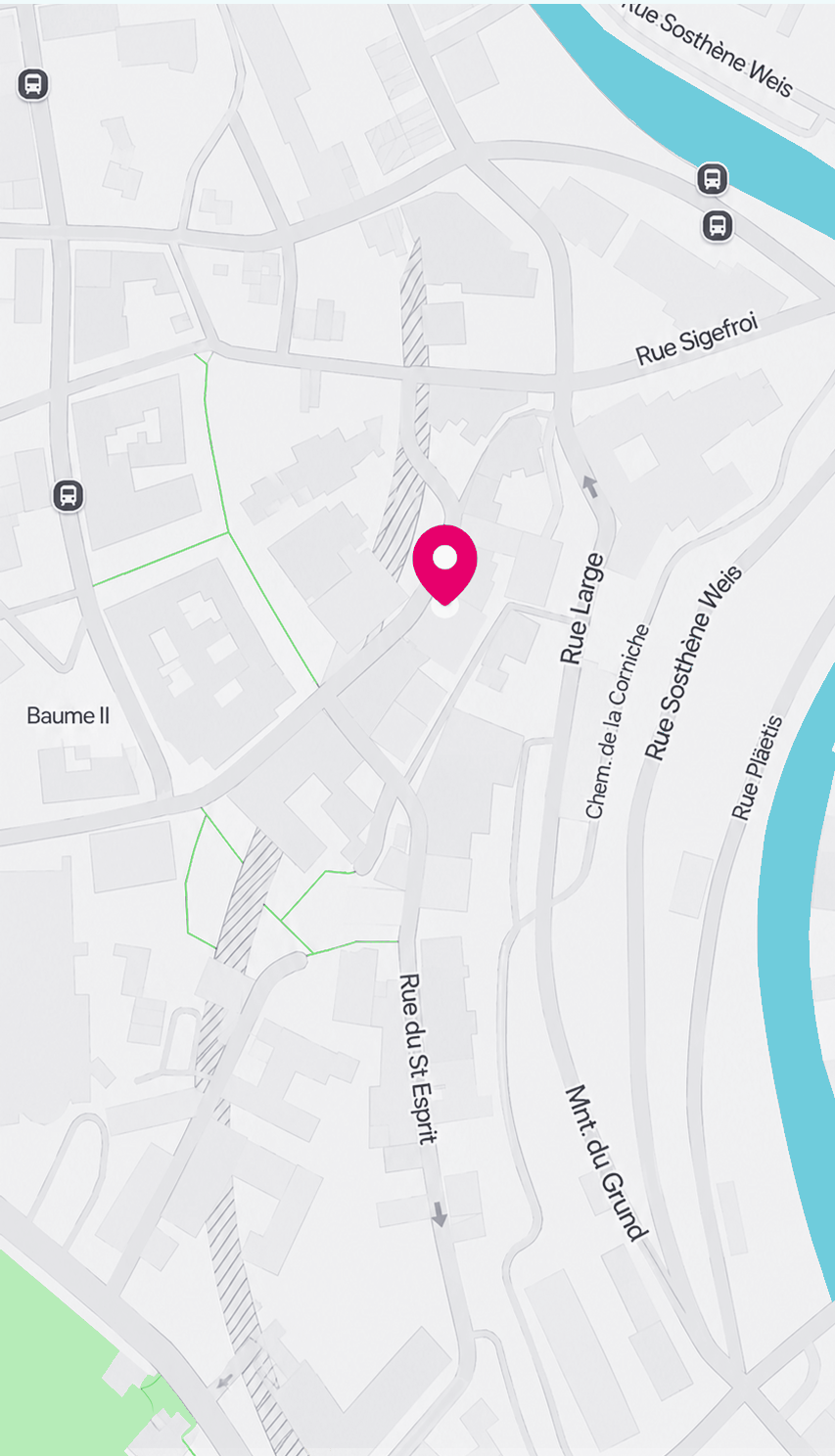
// screens-plan-v2.jsx — "Plan a journey" rebuilt in the Route-options (v2) design language
// ─────────────────────────────────────────────────────────────────────────────
// Screen 03 · "Route options" is the canonical reference for this product. Its
// style is the design system going forward:
//   • Full-bleed desaturated MapView as the only full-bleed surface
//   • A bottom .sheet (white, --r-2xl top corners, grab handle) over the map
//   • Sheet header: h3 var(--t-title-1) 22–24px / 700 / -0.02em + tonal iconbtns
//   • Horizontal soft chip rail (ResultsChips) for filters
//   • Flat content rows separated by 1px var(--bd-subtle) hairlines — NO cards
//   • Tabular figures for every time/duration; mode legs as routeleg chips
//   • Status carried by pills (success / warn) + radar dot, never colour alone
//   • Modal variants dim Screen-03 behind via ModalBackdropV2
// New screens should compose the shared v2 globals below rather than re-style raw HTML.
// Reuses window globals: Device, MapView, DirectionsCard, JourneyFooter, FlatRouteRow,
// ResultsChips, RouteOptionsContentV2, ModalBackdropV2, Icon, React.

// ── Shared Android keyboard (image, matches the rest of the project) ──────────
function AndroidKbdImg({ dark = false }) {
  return (
    <img
      src={dark ? "assets/android-keyboard-search-dark.png" : "assets/android-keyboard.png"}
      alt="Keyboard"
      style={{ display: "block", width: "100%", height: "auto", userSelect: "none" }} />);
}

// ═════════════════════════════════════════════════════════════
// 02b · Plan Search — v2 · Google map
// Same search-over-map interface as PlanSearchV2, but the vector
// MapView is swapped for the supplied Google-map image (matches
// the Plan · Google map screen).
// ═════════════════════════════════════════════════════════════
function PlanSearchV2Map({ dark = false }) {
  const suggestions = [
  { name: "Boulevard Franklin Roosevelt 6", desc: "Ville-Haute · 41 km", icon: "map-pin" },
  { name: "Bd Franklin Roosevelt, Lux-Ville", desc: "Ville-Haute · 41 km", icon: "map-pin" },
  { name: "Lycée Robert-Schuman, Roosevelt", desc: "Limpertsberg · 42 km", icon: "graduation-cap" },
  { name: "Roosevelt Parking", desc: "P+R Knuedler · 41 km", icon: "car-profile" }];

  return (
    <Device statusOn="on-photo" fullBleed dark={dark}>
      <div style={{ position: "absolute", inset: 0 }}>
        {/* Map — supplied Google image instead of the vector MapView */}
        <img
          src={dark ? "assets/home-map-roosevelt-dark.png" : "assets/home-map-roosevelt.png"}
          alt="Map"
          style={{ position: "absolute", left: 0, right: 0, top: -80, width: 400, height: 827, objectFit: "contain", objectPosition: "center top", background: dark ? "#0E0F12" : "#F7F6F4" }} />

        {/* Live location — blue dot with accuracy halo + pulse */}
        <div style={{ position: "absolute", left: "47%", top: "36%", transform: "translate(-50%, -50%)", zIndex: 4, pointerEvents: "none" }}>
          <span style={{ position: "absolute", left: "50%", top: "50%", width: 112, height: 112, transform: "translate(-50%,-50%)", borderRadius: "50%", background: "radial-gradient(circle, rgba(86,105,255,0.22) 0%, rgba(86,105,255,0.05) 60%, transparent 72%)" }} />
          <span style={{ position: "absolute", left: "50%", top: "50%", width: 28, height: 28, transform: "translate(-50%,-50%)", borderRadius: "50%", border: "2px solid #5669FF", animation: "livedotPulse 2.4s ease-out infinite" }} />
          <span style={{ position: "relative", display: "block", width: 22, height: 22, borderRadius: "50%", background: "#fff", boxShadow: "0 1px 4px rgba(20,22,26,0.35)" }}>
            <span style={{ position: "absolute", inset: 4, borderRadius: "50%", background: "#5669FF" }} />
          </span>
        </div>

        {/* Search field over the map — elevated pill, v2 chrome */}
        <div style={{ position: "absolute", top: 50, left: 14, right: 14, zIndex: 7, display: "flex", alignItems: "center", gap: 8 }}>
          <button className="iconbtn iconbtn--scrim" aria-label="Back"><Icon name="arrow-left" size={20} /></button>
          <div className="field field--elevated" style={{ flex: 1, height: 46, borderRadius: 23 }}>
            <span className="field__icon"><Icon name="magnifying-glass" size={20} /></span>
            <span className="field__value" style={{ textAlign: "left" }}>
              Roosevelt<span className="typing-caret" />
            </span>
            <span className="field__trailing"><Icon name="x-circle" weight="fill" size={20} style={{ color: "var(--fg-4)" }} /></span>
          </div>
        </div>

        {/* Suggestions sheet, sitting directly on top of the keyboard */}
        <div style={{ position: "absolute", left: 0, right: 0, bottom: 0, zIndex: 10, display: "flex", flexDirection: "column" }}>
          <div className="sheet" style={{ position: "relative", height: "auto", padding: 0, boxShadow: "var(--sh-3)" }}>
            <span className="sheet__handle" />
            <div style={{ padding: "0 20px 6px" }}>
              {suggestions.map((p, i) =>
              <div key={i} style={{ display: "flex", alignItems: "center", gap: 16, padding: "15px 0", borderTop: i ? "1px solid var(--bd-subtle)" : "none", cursor: "pointer" }}>
                  <span className="mtile mtile--sm" style={{ borderRadius: 12, flexShrink: 0 }}>
                    <Icon name={p.icon} size={18} style={{ color: "var(--fg-2)" }} />
                  </span>
                  <div style={{ flex: 1, minWidth: 0 }}>
                    <div style={{ font: "var(--t-body-em)", fontSize: 16, color: "var(--fg-1)", whiteSpace: "nowrap", overflow: "hidden", textOverflow: "ellipsis" }}>{p.name}</div>
                    <div className="tabular" style={{ font: "var(--t-sub)", color: "var(--fg-3)", marginTop: 2 }}>{p.desc}</div>
                  </div>
                  <Icon name="arrow-up-left" size={18} style={{ color: "var(--fg-4)", flexShrink: 0 }} />
                </div>
              )}
            </div>
          </div>
          <AndroidKbdImg dark={dark} />
        </div>
      </div>
    </Device>);
}

// ═════════════════════════════════════════════════════════════
// 01b · Home Plan Search — place selected (continuation of 01)
// Search resolves to "Roosevelt 6"; the destination pin is shown on
// the map and a place-detail card offers Start trip / Save / Share.
// ═════════════════════════════════════════════════════════════
function PlanPlaceResultV2({ dark = false }) {
  return (
    <Device statusOn="on-photo" fullBleed dark={dark}>
      <div style={{ position: "absolute", inset: 0 }}>
        {/* Map — neighborhood image */}
        <div style={{ position: "absolute", inset: 0, overflow: "hidden" }}>
          <img
            src="assets/map-neighborhood.png"
            alt="Map — neighborhood"
            draggable={false}
            className="map-photo--dark"
            style={{ position: "absolute", inset: 0, width: "100%", height: "100%", objectFit: "contain", objectPosition: "center top", userSelect: "none", background: "#F7F6F4" }} />
        </div>

        {/* Search field over the map — resolved query "Roosevelt 6" */}
        <div style={{ position: "absolute", top: 50, left: 14, right: 14, zIndex: 7, display: "flex", alignItems: "center", gap: 8 }}>
          <button className="iconbtn iconbtn--scrim" aria-label="Back"><Icon name="arrow-left" size={20} /></button>
          <div className="field field--elevated" style={{ flex: 1, height: 46, borderRadius: 23 }}>
            <span className="field__icon"><Icon name="magnifying-glass" size={20} /></span>
            <span className="field__value" style={{ textAlign: "left" }}>
              Roosevelt 6<span className="typing-caret" />
            </span>
            <span className="field__trailing"><Icon name="x-circle" weight="fill" size={20} style={{ color: "var(--fg-4)" }} /></span>
          </div>
        </div>

        {/* Place-detail card */}
        <div style={{ position: "absolute", left: 0, right: 0, bottom: 0, zIndex: 10 }}>
          <div className="sheet" style={{ position: "relative", height: "auto", padding: 0, boxShadow: "var(--sh-3)" }}>
            <span className="sheet__handle" />
            <div style={{ padding: "2px 20px 22px" }}>
              {/* Title + address */}
              <div style={{ display: "flex", alignItems: "flex-start", gap: 12 }}>
                <span className="mtile mtile--sm" style={{ borderRadius: 12, flexShrink: 0, marginTop: 2 }}>
                  <Icon name="map-pin" weight="fill" size={18} style={{ color: "var(--ac-primary)" }} />
                </span>
                <div style={{ flex: 1, minWidth: 0 }}>
                  <div style={{ font: "var(--t-title-2)", fontSize: 20, fontWeight: 700, letterSpacing: "-0.01em", color: "var(--fg-1)", lineHeight: 1.15 }}>Roosevelt 6</div>
                  <div style={{ font: "var(--t-sub)", color: "var(--fg-3)", marginTop: 3 }}>Ville de Luxembourg</div>
                  <div className="tabular" style={{ display: "flex", alignItems: "center", gap: 6, font: "var(--t-sub)", color: "var(--fg-3)", marginTop: 8 }}>
                    <Icon name="map-pin-line" size={15} style={{ color: "var(--fg-4)" }} />
                    41 km · about 48 min by transit
                  </div>
                </div>
                <button className="iconbtn iconbtn--tonal" aria-label="Close" style={{ width: 36, height: 36, flexShrink: 0 }}><Icon name="x" size={18} /></button>
              </div>

              {/* Actions — labelled pills (scrolls if cramped) */}
              <div className="scroll-x" style={{ display: "flex", gap: 10, marginTop: 18, margin: "18px 0 0", padding: 0 }}>
                <button className="btn btn--filled" style={{ flexShrink: 0, height: 48, padding: "0 20px" }}>
                  <Icon name="navigation-arrow" weight="fill" size={18} />Start trip
                </button>
                <button className="btn btn--tonal" style={{ flexShrink: 0, height: 48, padding: "0 18px" }}>
                  <Icon name="bookmark-simple" size={18} />Save Journey
                </button>
                <button className="btn btn--tonal" style={{ flexShrink: 0, height: 48, padding: "0 18px" }}>
                  <Icon name="share-network" size={18} />Share
                </button>
              </div>
            </div>
          </div>
        </div>
      </div>
    </Device>);
}

Object.assign(window, {
  PlanSearchV2Map,
  PlanPlaceResultV2
});